I’ve built and tuned a lot of budget rigs over the years, and nothing’s more satisfying than squeezing competitive performance out of a tiny chassis without the fans sounding like a storm. Below I’ll walk you through how I build a sub-600€ micro‑ATX PC that consistently holds ~240 FPS in CS2 at 1080p, and—just as important—how I make sure it doesn’t thermal throttle under a long session. This is a practical, parts-and-tuning guide tailored to real-world prices and availability (used parts are our friends here), and every tip comes from hands‑on testing and iterative tuning.
Why micro‑ATX and why this budget
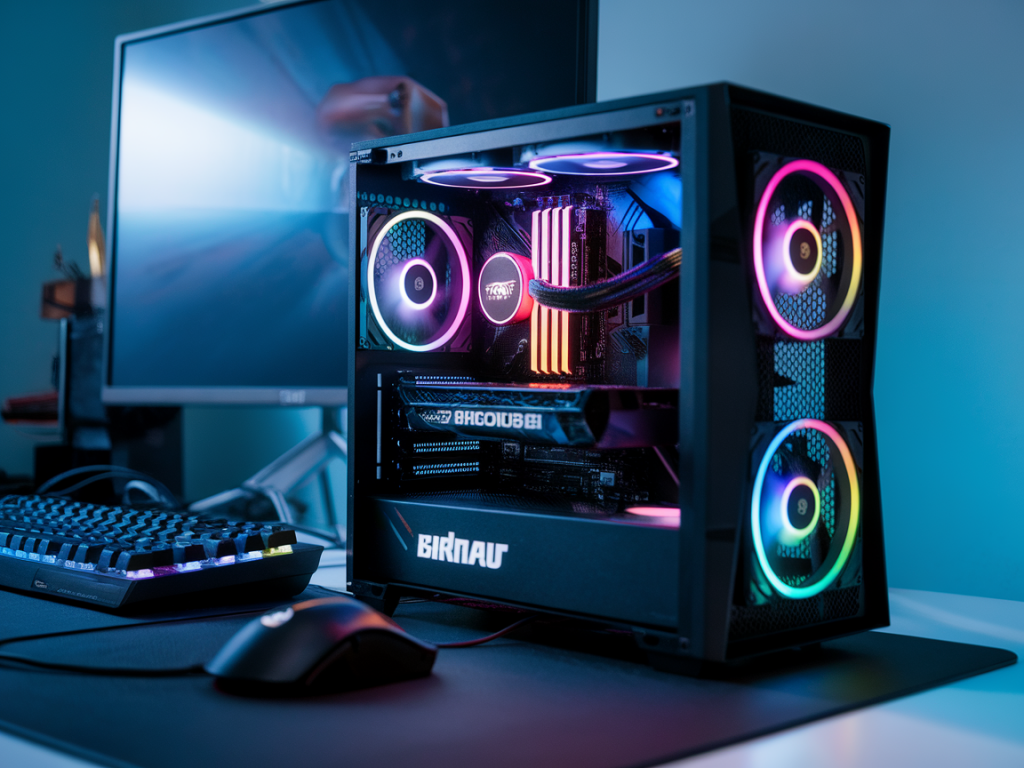
Micro‑ATX hits a sweet spot: much smaller than ATX, still supports a full‑size GPU, and gives you enough expansion for a competitive rig. Sub‑600€ forces tradeoffs, but CS2 is CPU-limited at high FPS and forgiving on visuals. Prioritize a strong single-thread CPU, a capable 1080p GPU, 16GB RAM in dual-channel, and good airflow. I focus on parts that give stable frame pacing and low temps rather than flashy RGB.
Parts list (example build and approximate prices)
| Component | Model (example) | Approx. price (€) |
|---|---|---|
| CPU | Intel Core i3‑12100F (new/used) | ~90 |
| Motherboard (mATX) | B660 mATX (used/new B560 compatible) | ~70 |
| GPU | NVIDIA GTX 1660 Super (used) | ~140 |
| RAM | 16GB (2x8GB) DDR4‑3200 | ~45 |
| SSD | 500GB NVMe | ~35 |
| PSU | 550W 80+ Bronze | ~55 |
| Case (mATX) | Compact airflow‑focused mATX case | ~40 |
| CPU cooler | Budget tower cooler (if desired) | ~25 |
| Total | ~600€ (often under) |
Notes: Prices vary by market and time; I routinely check local marketplaces for used GTX 1660 Super and B660 boards, which are the biggest savings. Swap the CPU for a Ryzen 5 3600 if you find a great deal—still a strong option for CS2.
Why these parts work for 240 FPS CS2
CS2 (like CS:GO before it) favors IPC and single-thread performance. The i3‑12100F punches well above its price class in single-threaded tasks and pairs nicely with a GTX 1660 Super for 1080p competitive frame rates. The 1660 Super is efficient (lower thermals than 10-series or 20-series high‑end parts) and capable of 240+ FPS on low to medium settings in CS2 when paired with a solid CPU and 3200 MHz RAM in dual‑channel.
Cooling and preventing thermal throttling
Thermals are the real enemy of sustained FPS. Here’s what I do to ensure stable performance:
BIOS, Windows and in‑game tuning for stability and FPS
Once the hardware is sorted, software tuning stops stutters and ensures sustained FPS:
Overclocking and power/temperature tradeoffs
I’m conservative with overclocking on budget builds. A mild GPU core mem undervolt and power limit reduction can reduce temps and keep FPS stable, often with negligible performance loss. For the CPU, light positive tweaks (or leaving XMP on) are enough. If you push for higher clocks, monitor temps and fan noise carefully; sustained boost increases thermal risk in small cases.
Testing methodology I use
When I test a build for sustained 240 FPS I do the following:
What to expect in real use
With the above build and tuning you can expect 240+ FPS on most competitive CS2 maps at 1080p low/medium settings. Your sustained FPS will depend on map complexity, smoke/grenade effects, and background processes, but properly managed thermals and tuned fan curves remove most sudden dips caused by thermal throttling. If you want extra margin, prioritize a slightly better used GPU (RTX 2060 used) or a better cooler, but that pushes the budget up.
If you want, I can adapt this parts list to your local prices or scout used listings for bargains in your region—send me a budget, location, and whether you want new parts only or a mix, and I’ll map out a build that actually exists on the market right now.