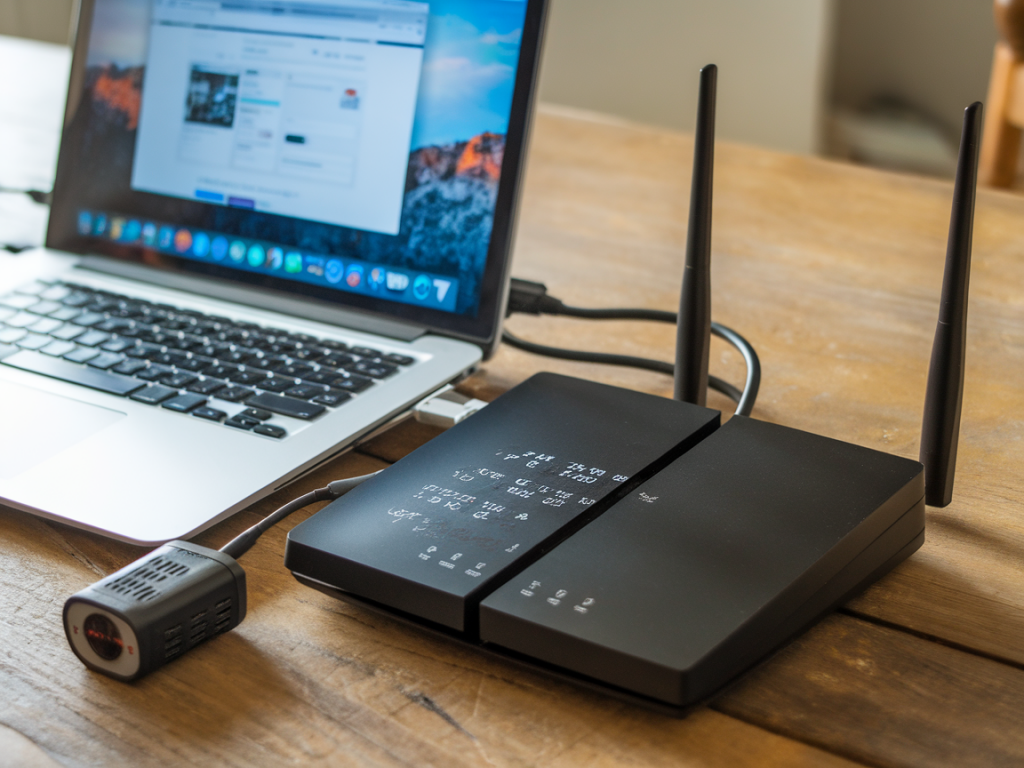
I’ve lost more than one ranked match to a flaky ISP at the worst possible moment, and if you’re reading this it’s because you want to stop that from happening. I’m going to walk you through practical, real-world options for a dual-WiFi/ethernet failover that actually keeps you online during online matches — from cheap hardware builds and router rules to scripts you can paste and run. I’ve tested these approaches across rigs and living-room setups, and I’ll tell you the trade-offs so you can choose what fits your budget and tolerance for tinkering.
Why dual-WiFi/ethernet failover matters for gamers
Redundancy isn’t just about preventing a short outage — it’s about preserving low latency and avoiding match losses. A single ISP or single link going flaky can drop you mid-game. A proper failover setup switches traffic to a secondary path (Wi‑Fi backup, cellular dongle, or a second ISP on ethernet) with minimal interruption. That said, not all failovers are created equal:
What you can build on a budget
Here are realistic builds that I’ve used or tested:
Router rules & settings you should enforce
When you configure failover, pay attention to these router rules. They’re small, but they prevent big headaches:
Option A — OpenWrt + mwan3: reliable, free, and very configurable
OpenWrt with the mwan3 package is my go-to for router-based failover without buying expensive appliances. It supports multiple WANs, health checks, and policies for per-device or per-port routing.
Basic steps:
mwan3 gives you careful control so the switch is automatic and you can log failures for debugging.
Option B — Simple Linux script for Raspberry Pi/Router
If you want a tiny dedicated failover monitor instead of changing your main router, a Raspberry Pi or small Linux machine works great. It pings a target and swaps default route when needed. Here’s a straightforward bash script I use for testing. Put this on a Pi with two uplinks (eth0 primary, eth1 backup):
failover.sh
<pre>#!/bin/bashPRIMARY_GW="192.168.1.1"SECONDARY_GW="192.168.2.1"CHECK_IP="8.8.8.8"DOWN=0ping_check() { ping -I eth0 -c 3 -W 2 $CHECK_IP >/dev/null 2>&1 return $?}while true; do if ping_check; then if [ $DOWN -eq 1 ]; then ip route replace default via $PRIMARY_GW dev eth0 echo "$(date): primary up, switched to primary" DOWN=0 fi else if [ $DOWN -eq 0 ]; then ip route replace default via $SECONDARY_GW dev eth1 echo "$(date): primary down, switched to secondary" DOWN=1 fi fi sleep 5done</pre>
Run this as a systemd service or in a screen session. You’ll need ip forwarding/NAT configured if the Pi is doing routing:
<pre># enable NATiptables -t nat -A POSTROUTING -o eth0 -j MASQUERADEecho 1 > /proc/sys/net/ipv4/ip_forward</pre>
This approach is cheap and easy, but be aware it replaces the default gateway, so open TCP/UDP sessions may drop when the route switches.
Option C — Bonding for true session continuity
If you can’t tolerate disconnections, look into bonding/aggregation. Speedify is the most consumer-friendly option: it runs on Windows/macOS/Linux and bonds multiple links at the packet level so your public IP is maintained and sessions survive. Alternatives include setting up a VPN server (VPS) and using multipath VPNs (WireGuard + multipath/multiplexing hacks), or commercial SD-WAN services.
Trade-offs: bonding usually costs money or more advanced setup (VPS + VPN config). It’s the only way to really keep UDP game sessions alive during a link switch in many cases.
Practical tips I always use
Brands and gear I recommend
| Budget OpenWrt-ready router | GL.iNet GL-MT3000 (Brume) or TP-Link Archer C7 |
| Small x86 firewall | Protectli Vault, used mini-PC for pfSense/OPNsense |
| Cellular backup | Huawei/EasyLink USB modem or a simple mobile hotspot (MiFi) |
| Bonding | Speedify software or VPS-based WireGuard multipath |
Setups vary a lot by house, ISP, and how sticky your game server is about IP changes. If you want, tell me what hardware you currently have (router model, whether you can flash OpenWrt, whether you’re okay with a Raspberry Pi) and I’ll propose a step-by-step configuration tailored to your kit.