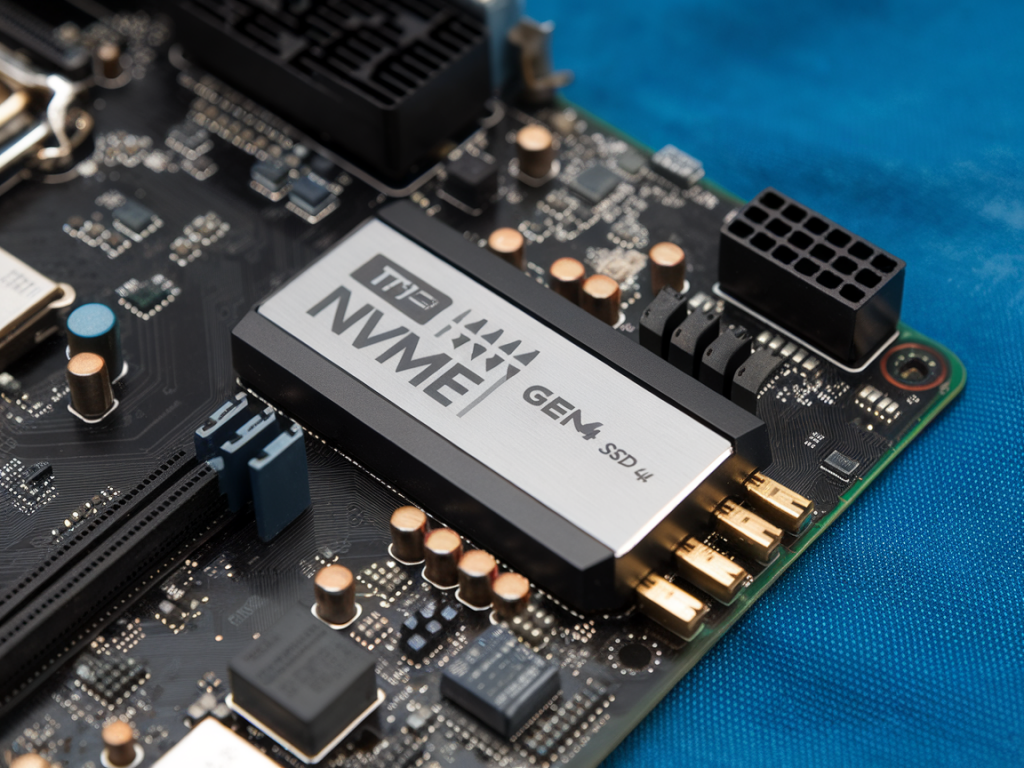
I’ve been chasing stutter and slow level loads in open-world RPGs for years — from dense cities in Cyberpunk-esque titles to sprawling fantasy landscapes that stream in foliage, NPCs, and object meshes as you approach. One of the most common upgrade recommendations you’ll see tossed around is “get a faster SSD” — specifically a 1TB NVMe Gen4 drive. But does that actually move the needle on worldstream stutter and level load times? From my benchmarks and hands-on testing, the short answer is: sometimes yes, but it’s not a magic fix. Here’s why, and how to get the most value from a Gen4 upgrade.
What causes stutter and slow loads in open-world games?
Before swapping parts, it helps to understand what’s actually responsible for hitching and long load times. In my experience the biggest contributors are:
So, a drive is only one part of the pipeline. But it’s an important one.
How NVMe Gen4 helps — what actually improves
NVMe Gen4 offers higher raw bandwidth and often better IOPS and lower latency compared to Gen3 and SATA SSDs. In real-world terms, that translates to faster sequential reads (useful for large file loads) and better random read performance (useful when the engine requests many small assets).
Where I saw tangible improvements after upgrading to a Gen4 drive:
Important caveat: if your CPU or GPU is the choke point, a Gen4 drive won’t fix the stutter. I’ve swapped drives mid-test and seen no change when the CPU was maxed at 100% or when VRAM was saturated.
Gen4 vs Gen3 vs SATA — practical comparison
| Interface | Typical Seq Read | Random Read | Real-world gain for open worlds |
|---|---|---|---|
| SATA SSD | 500–600 MB/s | Low | Noticeable improvement vs NVMe; can be bottleneck for streaming |
| NVMe Gen3 | 1,500–3,500 MB/s | Good | Often fine; minor pop-in vs Gen4 |
| NVMe Gen4 | 5,000–7,000+ MB/s | Excellent | Best for aggressive streaming engines; reduces many IO-related stutters |
These are general ranges — brand and controller matter. A well-tuned Gen3 drive can sometimes outperform a poorly cooled Gen4.
Is 1TB the right capacity?
Short answer: yes, for most modern open-world RPGs 1TB is a sensible minimum. Games today can be 100–200GB each, and you’ll want headroom for OS, scratch space, and future installs. I prefer at least 20–30% free space on SSDs to avoid performance degradation due to over-provisioning limits.
If you’re planning to keep multiple big titles installed (Elden Ring + Cyberpunk + Witcher 3 with mods), 1TB can fill up fast. But 1TB Gen4 balances cost and performance better than smaller drives; it also offers more parallel NAND channels which can boost performance over tiny capacity drives.
Real-world testing notes — what I did and saw
When I tested a few setups, here’s the workflow that gave me useful comparisons:
Results were consistent: cold load times improved across the board with Gen4. Warm streaming improvements depended on the scene: dense object-heavy scenes benefited the most. In CPU-bound scenarios (crowds, physics), the drive upgrade did little.
Practical tips to maximize the benefit of a Gen4 upgrade
If you decide to upgrade, do these things to ensure the drive actually helps:
When a Gen4 drive is not the answer
There are situations where a drive upgrade won’t help and other upgrades or settings changes will:
In short: a 1TB NVMe Gen4 often reduces worldstream stutter and speeds level loads, but only when storage is a meaningful part of the bottleneck. It’s one of the highest-impact upgrades I recommend for stutter caused by IO — provided the rest of your system isn’t holding you back.
If you want, I can look at your specific build and game settings and tell you how much a Gen4 drive could realistically help. Drop your CPU/GPU/drive details and the game you’re testing and I’ll run through a checklist for you.