I’ve spent months testing 1440p ultrawide monitors in real competitive FPS scenarios to answer a simple question: do they actually give you an edge, and if so, which ones? I test like I play — hands-on, under real conditions, and with setups I’d recommend to both casual grinders and serious competitors. Below I break down what matters, which monitors stood out, and the settings that consistently improved my aim, awareness, and comfort.
Why 1440p ultrawide could help in FPS
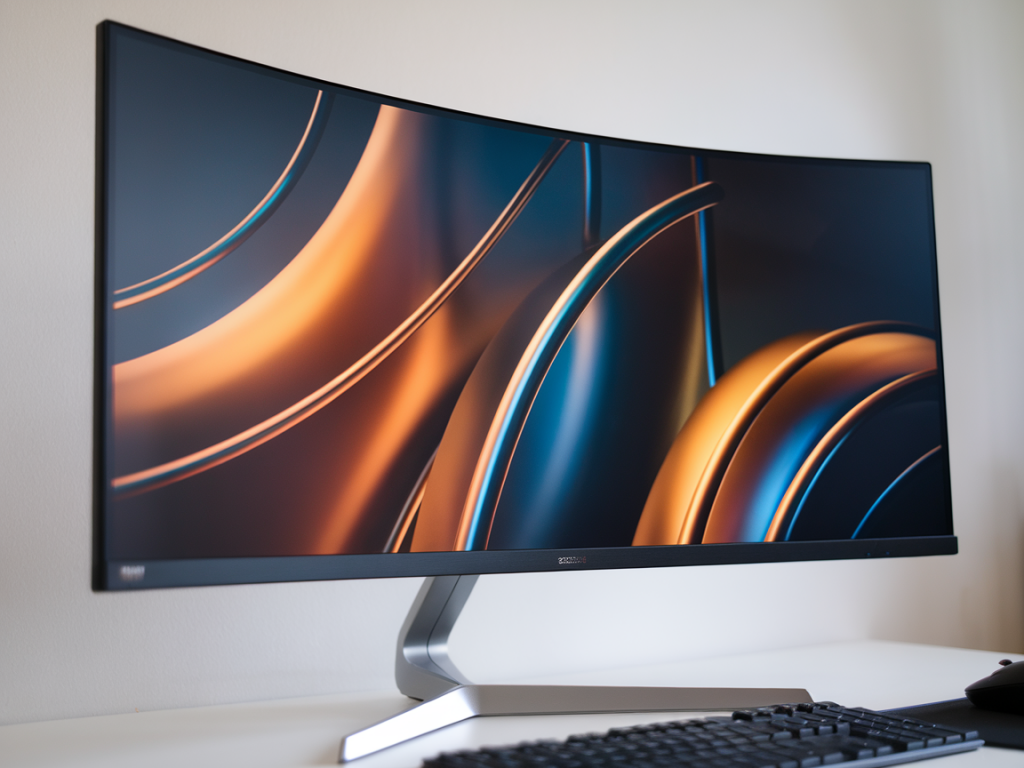
Ultrawide monitors (typically 21:9) give you more horizontal field of view (FOV) compared to 16:9 displays. In shooters, FOV = information. More visible area can mean spotting flanking enemies earlier, better crosshair tracking when strafing, and a clearer sense of spatial relationships in maps. But that potential advantage can be nullified by motion blur, input lag, low refresh rates, or poor pixel response.
From a competitive standpoint I’m looking for combinations of:
How I tested — real conditions, not just specs
I tested monitors with a consistent workflow so comparisons are meaningful:
The monitors that actually gave me an edge
These models consistently delivered a competitive advantage in my sessions. I list why each one stood out and what to tweak.
Why it helped: Massive horizontal view made flank checking effortless. High refresh and superb pixel response reduced trailing when spinning. The size makes map awareness near-instant for corridor-heavy maps.
Settings I used: 240Hz, FreeSync/G-Sync enabled, Motion Blur Reduction off for general play but on during low-FPS situations, Overdrive set to Fast. Slightly reduced brightness to avoid eye fatigue during long scrims.
Why it helped: Excellent color and contrast for spotting enemies in dark corners, very low input lag, and a comfortable 34" size that didn’t require neck movement to track fast targets.
Settings I used: 160Hz, Adaptive-Sync on, Dynamic Action Sync (if available) enabled in-game, Overdrive on Faster. Curve is subtle enough to keep targets perceptually consistent across the screen.
Why it helped: Outstanding clarity in high-contrast situations (dark corners vs bright streaks), which meant I picked out targets faster at range. 200Hz smoothed micro-adjustments and flick-shots.
Settings I used: 200Hz, G-Sync on, ELMB Sync (strobe + adaptive sync) experimented with in CS2 — felt crisp but slightly different aiming rhythm. I preferred ELMB for flick-heavy practice but turned it off in longer sessions to reduce eye strain.
Why it helped: Slightly lower refresh rate than others but superb color and less extreme curve. If you prioritize aiming consistency over maximum FOV, this monitor keeps judgment stable and is less disorienting.
Settings I used: 100-120Hz stable, Adaptive-Sync on, Overdrive on Medium. Kept sharpness and contrast adjusted so crosshair visibility remained consistent across textures.
Monitors that felt flashy but didn’t deliver
Not all ultrawides are created equal. A few models with higher refresh or HDR marketing didn’t translate into better gameplay for me.
Optimal settings to squeeze competitive advantage
Across monitors and titles, these tweaks gave me consistent gains:
Quick comparison table
| Model | Refresh | Panel | Competitive notes |
|---|---|---|---|
| Samsung Odyssey G9 | 240Hz | VA (fast) | Extreme FOV, excellent motion at 240Hz, great for map awareness |
| LG 34GP83A-B | 160Hz | IPS | Best balance of color, response and competitive usability |
| ASUS PG35VQ | 200Hz | VA (Mini-LED) | Top contrast, ELMB options, pricey but crisp |
| Acer Predator X34 | 100-120Hz | IPS | Stable, reliable, less extreme curve; good for consistency |
Switching to an ultrawide is not an automatic upgrade — it’s about the right combination of refresh, response, and ergonomics. In my testing, the best ultrawides gave me measurable improvements in awareness and slightly faster target acquisition when tuned properly. The trick is choosing a monitor that complements your playstyle (flick vs tracking), ensuring your PC can drive high FPS consistently, and putting in the practice to rewire muscle memory for the wider canvas.