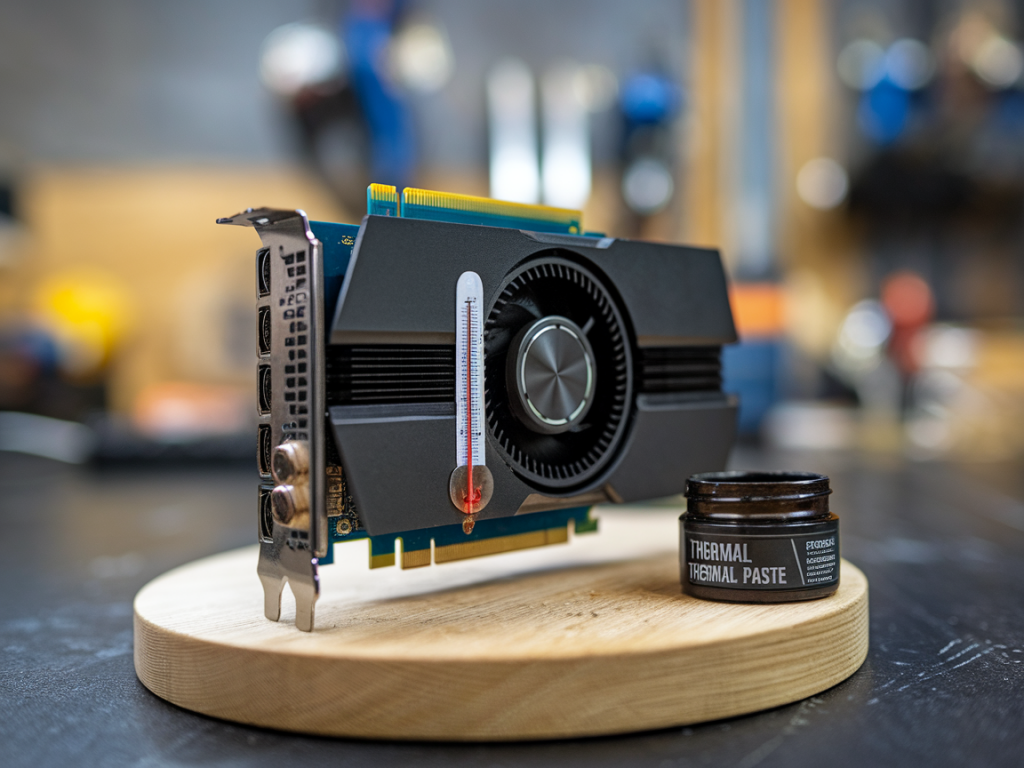
When I first started tinkering with GPUs, I treated thermal paste like an afterthought — a dab of whatever came with the cooler and I was done. Over hundreds of hours of long sessions, tournaments, and hardware testing for Gameriously, I learned the hard way that thermal paste choice can be the difference between a card that sings through a marathon session and one that slowly degrades, downclocks, or throttles at the worst possible moment. In this piece I’ll walk you through how the right thermal interface material (TIM) impacts GPU longevity and sustained FPS, what to look for, and practical steps I use when prepping a card for long gaming days.
Why thermal paste matters for GPUs
At its core, thermal paste fills microscopic gaps between the GPU die (or memory/VRM surfaces on some coolers) and the heatsink. Better contact means lower temperatures. Lower temperatures translate to several important benefits:
So yes, thermal paste choice is not just about shaving a degree or two. Over months and years of sustained use, those degrees add up to measurable differences in performance consistency and hardware longevity.
Thermal paste types and how they behave
Not all pastes are created equal. Here’s a high-level comparison I use to choose a paste depending on needs:
| Paste Type | Typical Thermal Conductivity | Longevity | Pros | Cons |
|---|---|---|---|---|
| Silicone-based (budget) | Low (0.7–1.5 W/m·K) | 2–3 years | Cheap, easy to apply | Higher temps, dries faster |
| Metal oxide (Ceramic) | Medium (1.5–4 W/m·K) | 3–5 years | Good balance, non-conductive | Not best for extreme cooling |
| Carbon-based | Medium-high (4–10 W/m·K) | 3–7 years | Stable, non-conductive, good real-world results | More expensive |
| Metal-based (Liquid metal) | High (up to 80 W/m·K) | Varies; can migrate | Lowest temps possible | Electrically conductive/metallic—risky on pads; can corrode aluminum |
In practice, I most often reach for high-quality carbon paste (e.g., Thermal Grizzly Kryonaut, Arctic MX-6, or Noctua NT-H2) for GPUs. They hit a sweet spot between thermal performance, longevity, safety, and ease of application. Liquid metal (like Thermal Grizzly Conductonaut) is tempting for its amazing thermal conductivity, but it brings real risks: electrical conductivity, potential for corrosion with aluminum heatsinks, and migration off the die over time. I reserve liquid metal for extreme benches on copper/compatible coolers and only when I’m comfortable redoing the TIM periodically.
How paste choice affects sustained FPS in long sessions
Frame rates in peak short benchmarks are one thing; sustained FPS over a 2–8 hour session is another. Here are the mechanisms by which paste impacts what you actually feel during long play sessions:
In my real-world tests, switching from a stock paste to a high-end carbon paste trimmed 3–7°C off peak and steady-state temps on modern GPUs. In demanding titles that push the card for long sessions (e.g., flight sims, open-world games, sustained ray tracing), that temperature drop corresponded with 5–12% better 1% lows and more consistent average FPS due to fewer thermal downshifts.
Longevity implications — why it matters over years
I've seen cards returned or replaced because of thermal degradation long before they reached obsolescence. The slow creep of higher operating temperatures increases stress on solder joints and VRM capacitors and accelerates electromigration in silicon traces. What that means practically:
Proper TIM and occasional maintenance (re-pasting every 3–5 years depending on paste and usage) significantly mitigates those risks. For competitive players or streamers who run long sessions weekly, I recommend re-evaluating thermal paste every 2–3 years.
Practical application tips I use
When to go beyond paste: pads, airflow, and cooler swaps
Thermal paste is a critical piece, but it’s not a silver bullet. If your sustained FPS/stability goals aren’t met after a good paste and fresh pads, look at:
Over the years I’ve balanced paste upgrades with airflow tweaks and occasional cooler swaps to get the ideal balance of sustained performance and longevity. Think of thermal paste as an important maintenance item that unlocks better, more consistent performance — especially when long sessions are the norm.
If you want, I can share a short checklist you can apply right now to evaluate your GPU’s thermal health and pick a paste tailored to your use case. Drop a note with your GPU model and whether you’re comfortable opening the card, and I’ll tailor a recommendation.