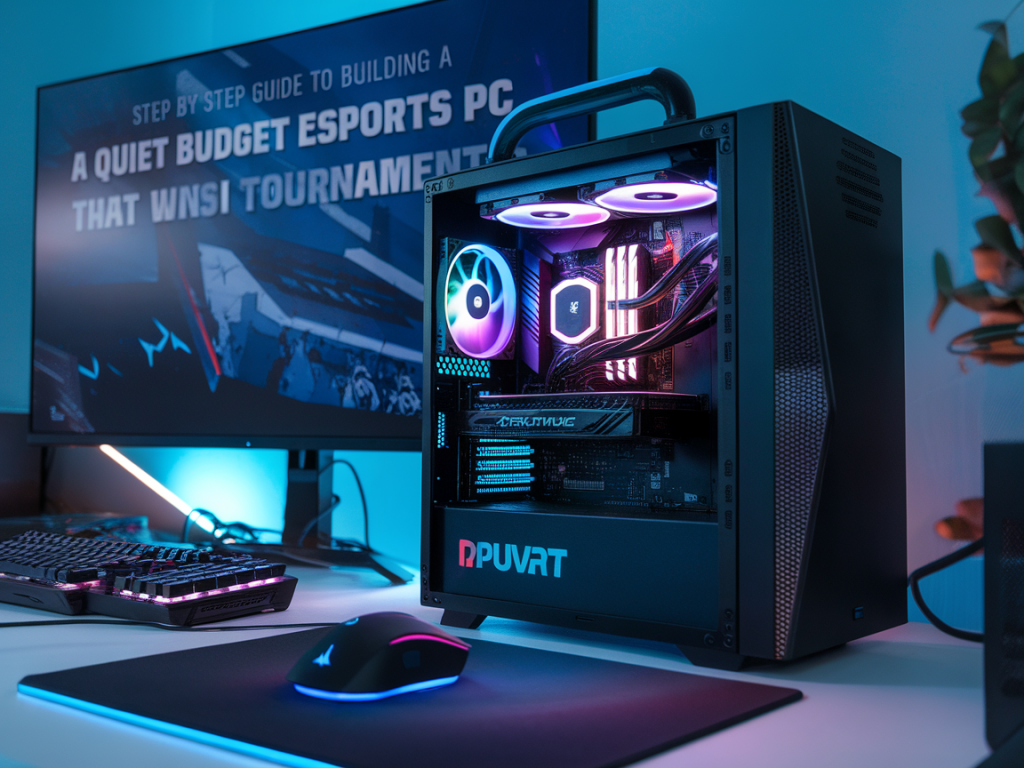
I build competitive rigs for a living — not just fast ones, but machines that stay quiet under pressure so I can focus on callouts and crosshair placement without a noisy distraction. Below I walk you through a practical, step-by-step guide to building a quiet, budget esports PC that still performs at tournament level. I’ll share specific part suggestions, acoustic tricks, and tuning steps I use when prepping systems for local LANs and online cups.
What "quiet" and "budget" mean for esports
Quiet: low perceptible noise during gameplay (<40 dBA at a typical desk), predictable fan curves, and minimal coil whine or rattles. Budget: parts that deliver high frame rates for esports titles (Valorant, CS2, League, Rocket League) without breaking the bank. For me, that means prioritizing high single-thread CPU performance and a capable GPU while investing in silence-focused cooling and case choices.
Parts list and why each matters
Below is a baseline build I recommend. Prices vary, but this configuration targets value while keeping acoustic performance front and center.
| Component | Suggested Options | Why |
|---|---|---|
| CPU | Intel Core i5-14600 or Ryzen 5 7600 | Strong single-thread performance for high FPS |
| Motherboard | Budget B760 or B650 board with good VRM & fan headers | Reliable power delivery and fan control |
| GPU | NVIDIA RTX 4060 Ti or AMD RX 7600 XT | Excellent 1080p competitive performance |
| RAM | 16GB (2x8) DDR5 5600 or DDR4 3200 (depending on CPU) | Enough for esports titles + OS without bottlenecks |
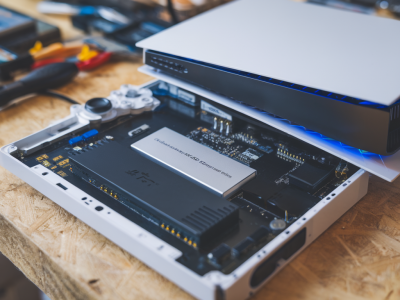
| Storage | 500GB NVMe SSD (PCIe 4.0 preferred) | Fast boot and low stutters |
| Case | Fractal Design Meshify 2 Compact / NZXT H5 Flow | Good airflow but supports silent fan setups |
| PSU | Seasonic Focus GX / Corsair RMx 650W | Quiet operation and reliable rails |
| Cooling | Noctua NH-U12S redux or a low-RPM AIO 240mm | Efficient cooling with low noise |
| Case Fans | Noctua, Be Quiet! or Corsair ML PWM | High static pressure at low RPM |
| Optional | GPU vertical mount + sound dampening pads | Reduces resonance and cable noise |
Step 1 — Choose a case that balances airflow and noise control
My first rule: don’t sacrifice airflow for aesthetics. A restrictive front panel will force fans to run faster, which kills silence. Pick a case with a fine mesh front or perforated panel and solid internal layout. I like compact mid-towers that keep cable runs short; they reduce turbulence and rattle points. Add a couple of anti-vibration rubber grommets where fans or drives mount.
Step 2 — Quiet fans and cooling strategy
Fans matter more than most builders expect. You can have efficient components but if your fans are loud, the whole rig screams. Use 120mm or 140mm fans with good static pressure so they can move enough air at low RPMs. Noctua and Be Quiet! are my go-tos for silent fans; Corsair ML series is solid too if you want PWM control and RGB.
Step 3 — Pick components that don't need screaming fans
High-efficiency PSUs (80+ Gold) run cooler and quieter. Choose GPUs known for quiet reference or factory PCB designs; some third-party coolers with larger fans keep RPMs low. For CPUs, prioritize IPC and turbo over chasing many cores — for esports single-thread speed is king.
Step 4 — Assembly tips to cut rattles and resonance
Acoustic performance isn't just parts — it's build technique.
Step 5 — BIOS and software tuning for silent performance
Out of the box, many motherboards use conservative fan profiles. I tune them like this:
Step 6 — In-game settings for max FPS and consistent frame times
Noise won't help you if your frames stutter. For esports titles I recommend:
Step 7 — Peripherals and desk setup to reduce perceived noise
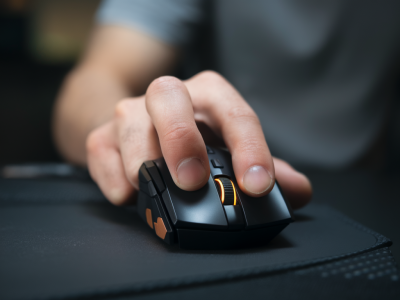
Perceived noise depends on distance: keyboard clack and mouse feet sound much louder in a silent PC. I recommend:
Step 8 — Testing and iteration (what I do before sending a rig to a tournament)
I stress-test, but not to the point of unrealistic fan behavior. My checklist:
Brand notes and final practical tips
I often recommend Noctua for pure silence, Seasonic for PSUs, and Fractal for cases. If you’re on a tighter budget, look for sales on last-gen GPUs (e.g., a well-priced RTX 3060 Ti can still dominate 1080p esports). Always check user reviews for coil whine reports — a single noisy GPU can ruin the quietest build.
If you want, tell me your target budget, preferred esports game, and whether you plan to LAN or stay home — I’ll tweak these recommendations into a concrete parts list that fits your needs and keeps the noise down while keeping you competitive.